Example Network
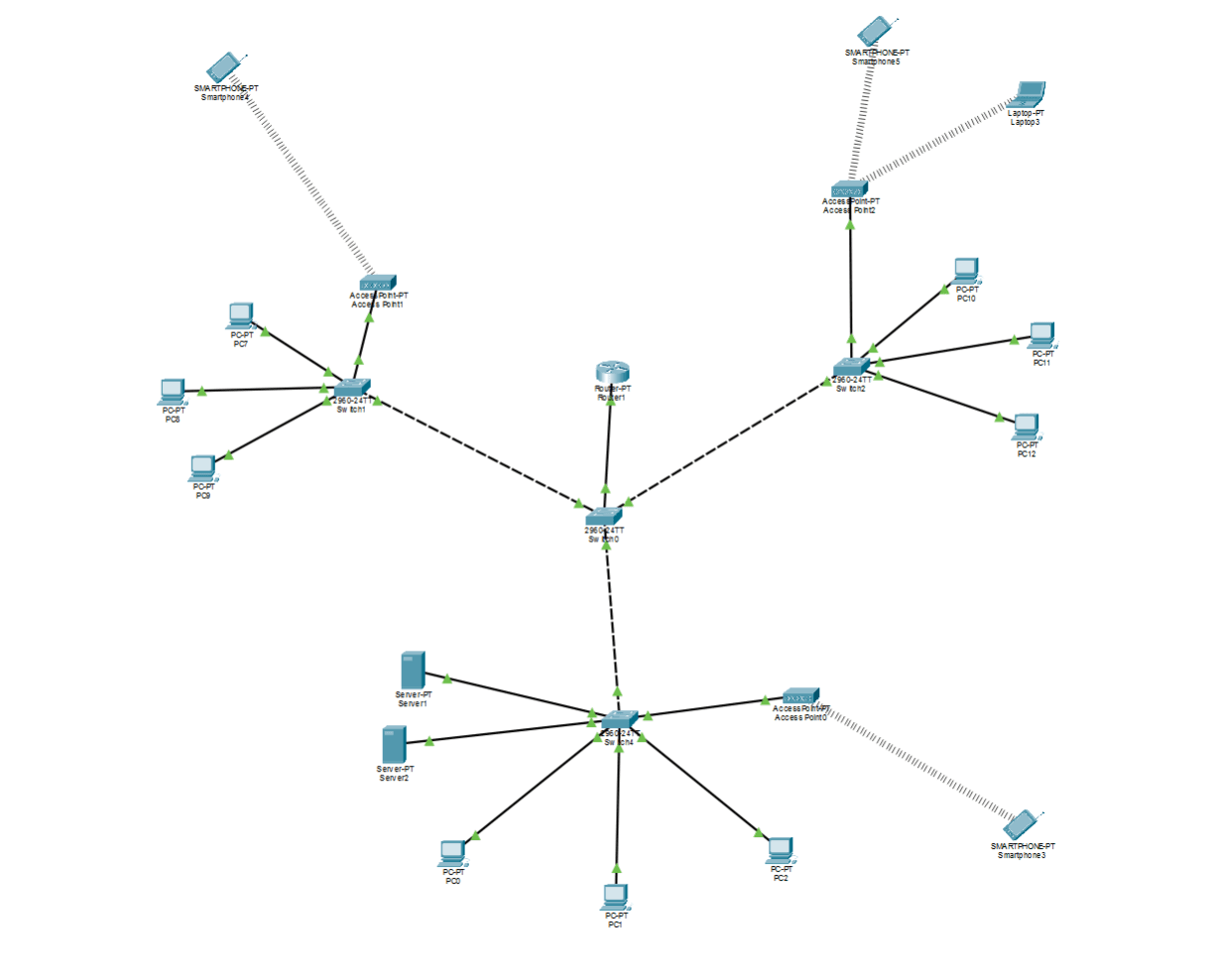
This example has one router connected to a central switch. The central switch connects three access switches, which connect the PCs, servers, and wireless access points.
| Connection | Devices attached |
|---|---|
| Router1 ↔ Switch0 | The router is the gateway for this LAN. |
| Switch0 ↔ Switch1 | Three PCs and one access point with a phone. |
| Switch0 ↔ Switch2 | Three PCs and one access point with a phone and laptop. |
| Switch0 ↔ Switch4 | Three PCs, two servers, and one access point with a phone. |
Example IP addresses
Assume all the switches and access points are carrying the same LAN, 192.168.1.0/24 (subnet mask 255.255.255.0).
- Router1's LAN interface: 192.168.1.1 (default gateway)
- Server1 and Server2: 192.168.1.10 and 192.168.1.11
- PCs and wireless clients: unique addresses from 192.168.1.100 to 192.168.1.112, for example assigned by DHCP
- Switches and access points: management addresses are optional; they are not needed just to forward user traffic
Each PC, server, phone, and laptop needs its own unique IP address. Its subnet mask tells it which devices are local. A duplicate address can stop both devices from communicating properly.
How traffic moves
If a PC sends data to another device in 192.168.1.0/24, the switches forward it across the LAN; it does not need to pass through Router1. A Wi-Fi device joins through its access point, which bridges it onto the same LAN.
If a device sends data to a different network, it sends the traffic to Router1 at 192.168.1.1. Router1 then forwards it toward that network. The attached topology does not show what is beyond the router.
Test a connection with ping
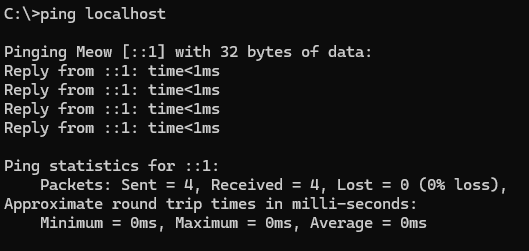
On a PC, open Command Prompt and use ping followed by the IP address you want to test. For this example, try the gateway or one of the servers:
ping 192.168.1.1
ping 192.168.1.10
Replies mean the target responded to the test. If there are no replies, check the target address and network connection; some devices or firewalls may block ping even when other services work.